

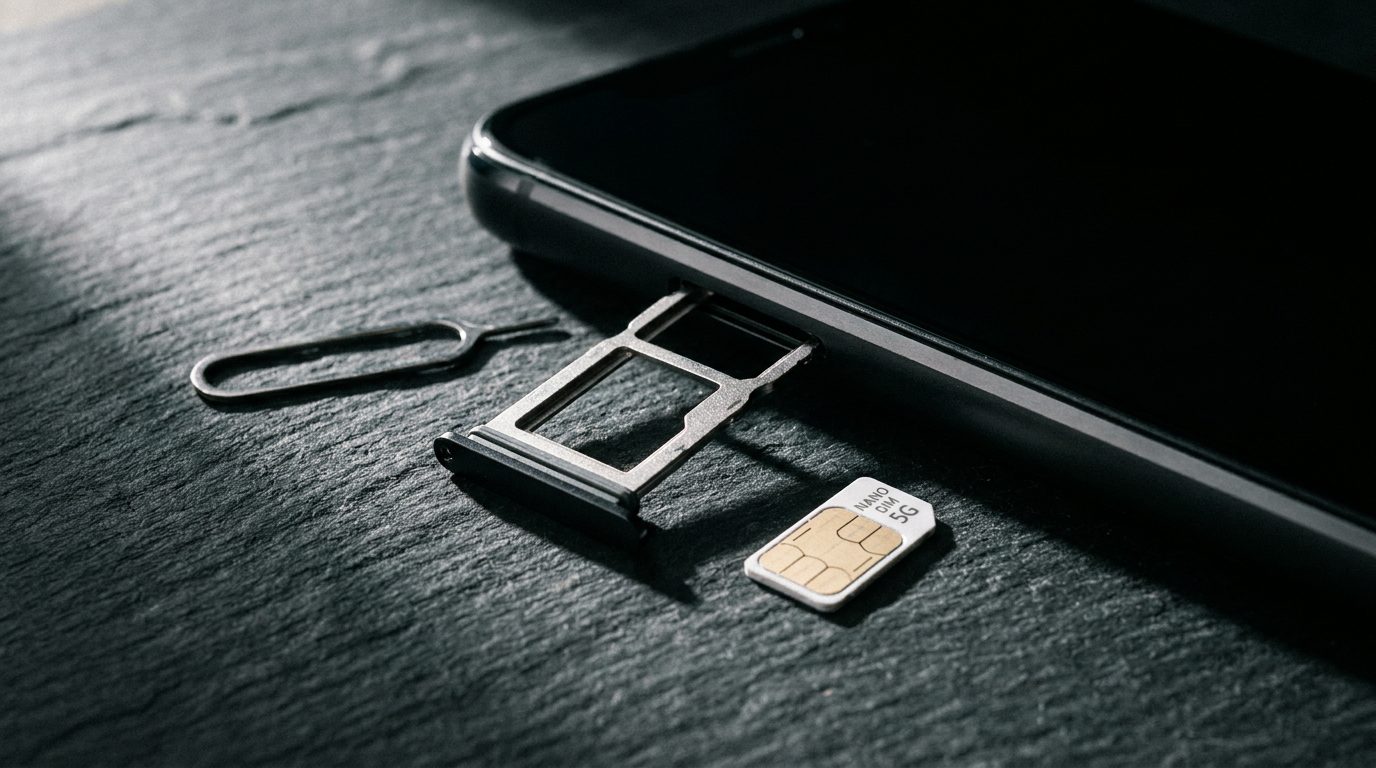
A SIM swap takes over your phone number, and from there your bank, your email and your exchange accounts, often in under an hour. here's exactly how the attack works, why carriers are still bad at stopping it, and the settings that actually protect you.
The attack, step by step
The goal is simple: get your phone number moved onto a SIM card the attacker controls. The classic route is social engineering on the carrier. The attacker gathers a few facts about you first, your name, address, birthday, and maybe the last four digits of an ID or a recent bill number. Then they call the carrier, pose as you, claim the phone was lost or damaged, and ask for an activation on a new SIM. Some carriers require a PIN or the answer to a security question. Those are often things that can be bought, guessed or found in a leaked database from an unrelated breach.
there's a second route that needs no phone call at all. If your carrier account has a weak password and no two-step verification on the account itself, the attacker simply logs into the carrier portal and initiates the transfer there. Many people protect their email with hardware keys but leave their carrier login behind a password they have reused on three other sites.
The moment the swap succeeds, your phone drops off the network. Calls and texts route to the attacker's device. That matters because of what still uses SMS today: password reset links, one-time codes from banks, and the second factor on countless accounts where the first factor, the password, has already leaked.
The takeover chain
With control of your number, the attacker typically works through this sequence in minutes:
- Password reset on your primary email, using the SMS or recovery-phone option. Once they own the inbox, they can reset everything else. 2. Password reset on banking and exchange accounts. Codes arrive by SMS, straight to them. 3. Draining funds or locking you out, then enabling their own recovery options so you stay locked out.
The ugly detail is that SMS was never designed as an authentication factor. it's a delivery method. Treating a radio broadcast to a number you don't own, your number belongs to the carrier's numbering plan, as proof of identity is the structural flaw the whole attack rests on.
Why carriers haven't fixed it
Carriers have added PINs, port-freeze flags and apps that must approve a SIM change. Adoption and enforcement are uneven, and call-center staff remain the weakest link: a convincing story about a broken phone on a Friday evening gets exceptions made. In several documented fraud cases, the swap was completed with little. Regulation is catching up in some markets, but you should assume the carrier won't save you.
The settings that actually stop it
Turn on an eSIM transfer lock and carrier account PIN. Most major carriers offer a specific SIM-change or port-out PIN separate from the account password. Set it, and store it in a password manager, not in a note on the phone it protects.
Put a passcode on the carrier account itself. Ask the carrier to require it for any change made over the phone, not just online. Some carriers offer this only if you ask explicitly.
Remove your phone number from critical accounts. This is the highest-value change. In your email provider's security settings, delete SMS as a recovery or second-factor option and replace it with:
- An authenticator app or passkey, which lives on a device, not on a number.
- A hardware security.
- Backup codes printed and stored offline.
Move email recovery away from SMS specifically. Email is the master key. If your webmail can only be recovered through a phone number, a SIM swap converts directly into total account loss.
Use an authenticator app that backs up encrypted. If you lose the phone, you restore the tokens from the backup rather than falling back to SMS codes.
Watch for the warning signs. Sudden "No Service" on your phone while you're at home with good coverage is the classic symptom. If it happens, call the carrier from another phone immediately and check your email on a trusted device.
What to do if it already happened
Speed decides the outcome. From another phone, call the carrier's fraud line and demand a reversal of the SIM change. Then, from a trusted device, change the password on your primary email first, then banking and exchange accounts, and review the recovery options on each for entries you didn't add. File a police report where required by the bank, and keep it, institutions move faster with one.
The uncomfortable summary: your phone number is the least secure. Spend twenty minutes this week removing it from your email and your financial accounts. That single change turns a SIM swap from a catastrophe into an inconvenience.